
Live Gas Display
How to use the Live gas display option to display live gas readings on G6's Home screen.
Use the Live gas display option to display live gas readings on G6’s Home screen. The live gas display is configurable in Blackline Live.
Note:
Displaying live gas readings may impact G6’s battery life. For more information, see Battery.
Using the navigation buttons, scroll through the Device settings menu, then select Live gas display by pressing the center button ( ).
).
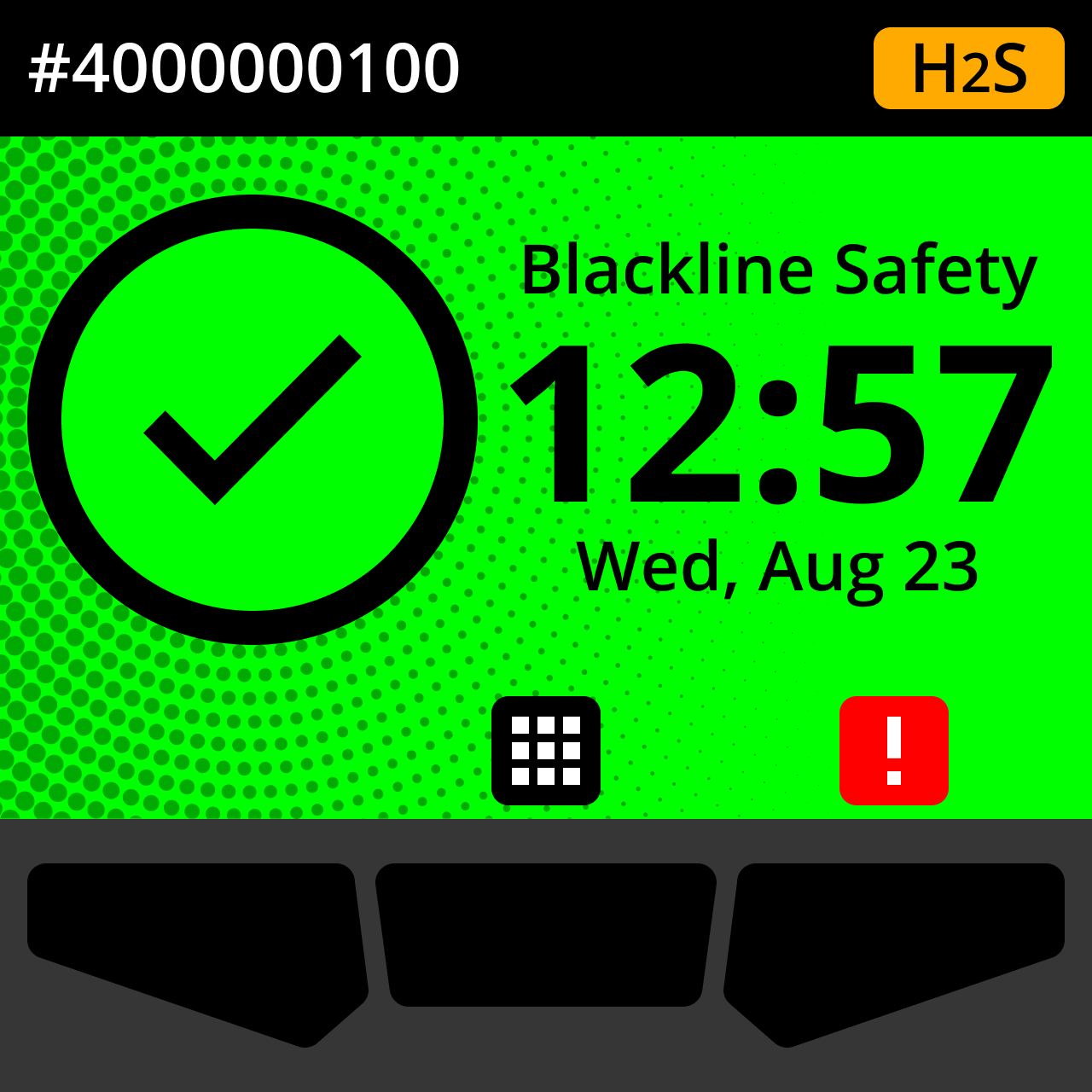
Live gas readings display on the Home screen.