Using G7 EXO's Convenience Features
EXO devices using firmware version 3.455 and higher will include the following convenience features that will make it easier for device users to do their jobs:
Local time on device
Timer
Stopwatch
Local Time on Device
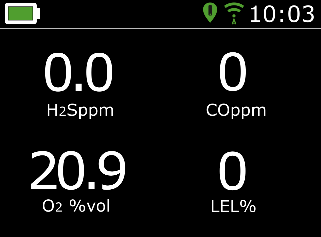
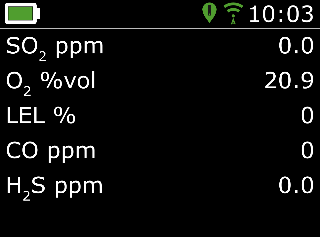
EXO now provides the option of showing the local time on the LED screen. The time will be displayed on the top-right of the main status screen.
Time zone
By default, the local time feature will use information gathered from nearby cell towers to determine the time zone and current time based on location, similar to how a cell phone operates.
However, a cellular connection may be unavailable, or your physical location might be on the border between time zones. In these cases, the default settings may provide incorrect time zone information, and you may need to manually enter a time zone.
Manually Entering a Time Zone Offset
Time zone offsets are relative to Greenwich Mean Time (GMT: 0:00). You may need to look up the offset of your local time zone with respect to GMT (remember to consider daylight savings if your region uses it). The examples below use +1:30 as an offset.
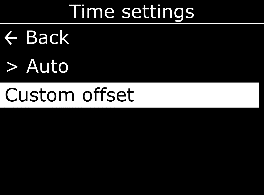
- Select Custom offset.
- On the Set time offset screen, enter the offset relative to GMT:
- Select + or -
- Select the hour
- Select the minutes if applicable (see images below)
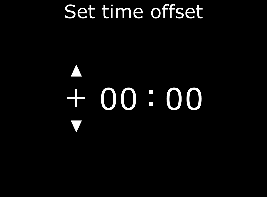
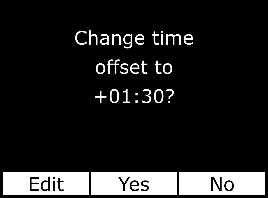
- When you have entered the offset, select one of the following:
- Yes to confirm
- Edit to make changes if needed
- No if you no longer want to set an offset
Stop Using a Manual Offset
- Select Auto.
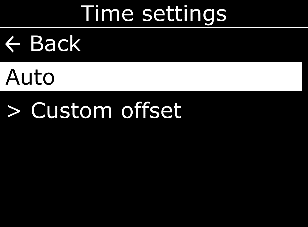
EXO will go back to using cellular information to determine the local time.
Setting the Timer
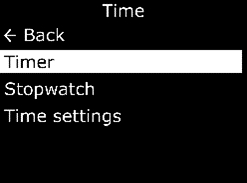
- Select Time, then Timer.
- On the Set timer screen, select the unit of time (min or sec).
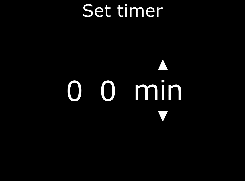
- Use the up and down arrows to adjust the first digit for the time.
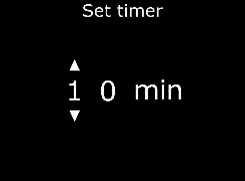
- Repeat steps 4 and 5 to adjust the second digit for the timer.
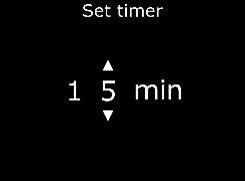
Viewing the Timer
Once the timer is set, you can see the remaining time in the Time menu, in-line with the Timer option.
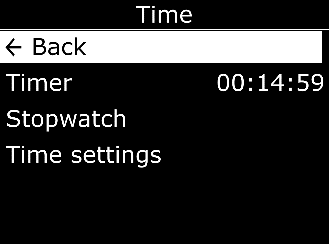
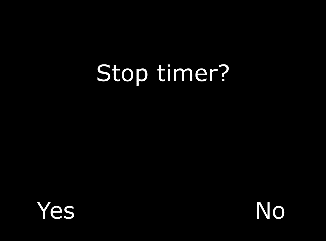
Stopping the Timer Early
- Select Yes.
Stopping the Timer Alarm
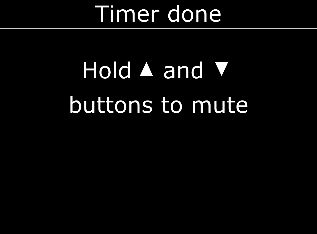
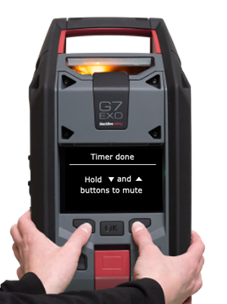
When the timer counts down to 0, the Timer done screen will display and EXO will go into a low urgency alarm.
Stopwatch
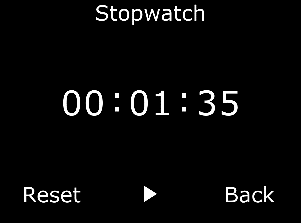
The stopwatch counts up in one second increments. It does not time out or use an alarm. It continues to count up in the background, even if you leave the stopwatch screen and return to the menu.
Setting the Stopwatch
- Select Stopwatch.
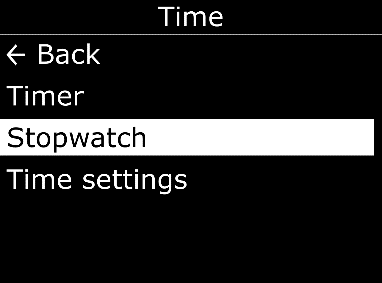
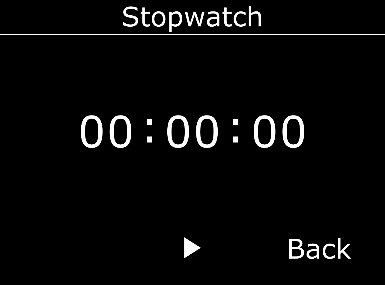
The Stopwatch screen will open, showing the stopwatch at 00:00:00.
Viewing the Stopwatch
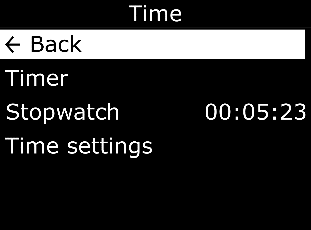
The stopwatch will be displayed in line with the Stopwatch option.
Pausing or Resetting the Stopwatch
- Press the OK button to pause the stopwatch.
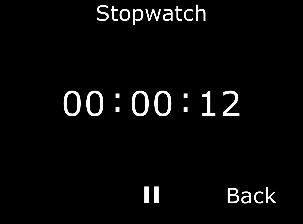
After pausing, the pause icon will change to the play icon and the Reset option will be available.