
Viewing the Configuration on the Device
Press the OK button to display the Main menu, then select .
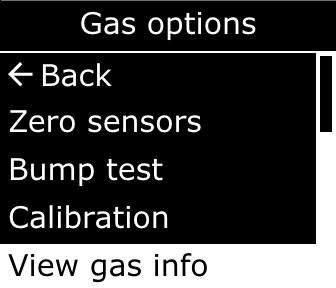
The name and correction factor of the configured target gas displays on the VOC target screen. This same information also displays during the device’s startup sequence.
Note:
PID readings display in ppm units.