Assigning a Device from the Device Details Page
Note:
To update a section, select EDIT. To save your updates and stop editing the card, select SAVE. To cancel your updates without saving your changes, select CANCEL.
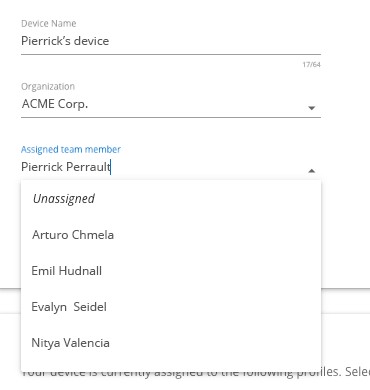
In the Device description card, select a name from the Assigned team member dropdown.
The devices description card displays the new assignment.